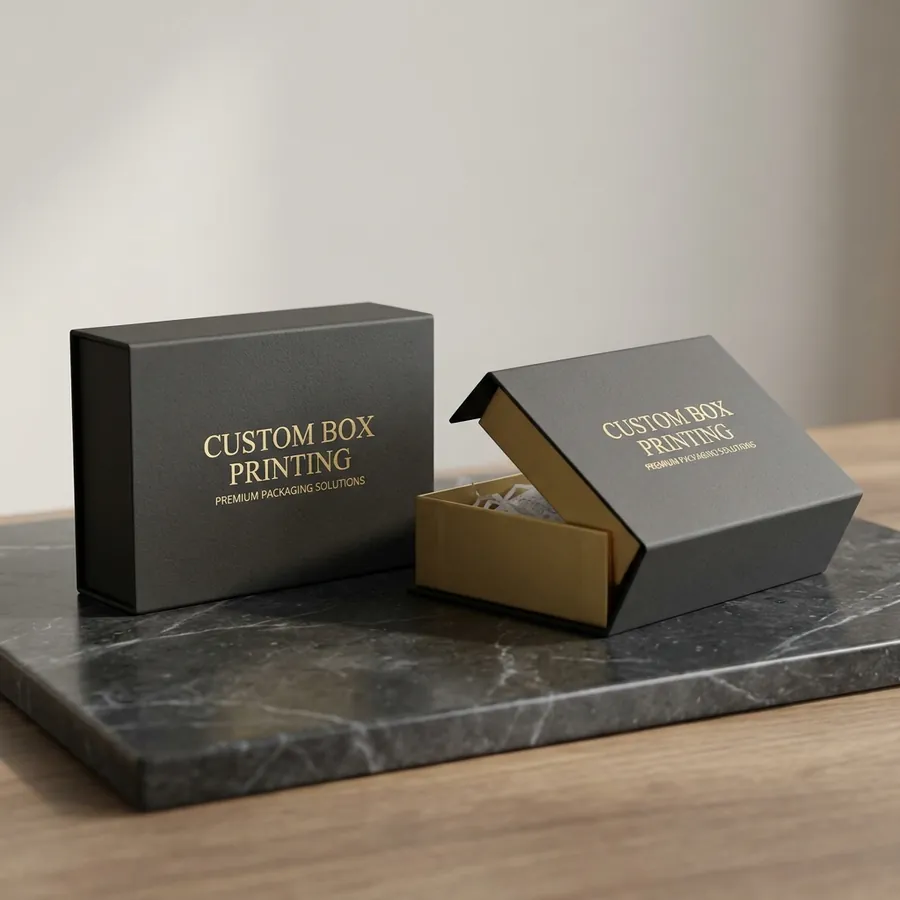
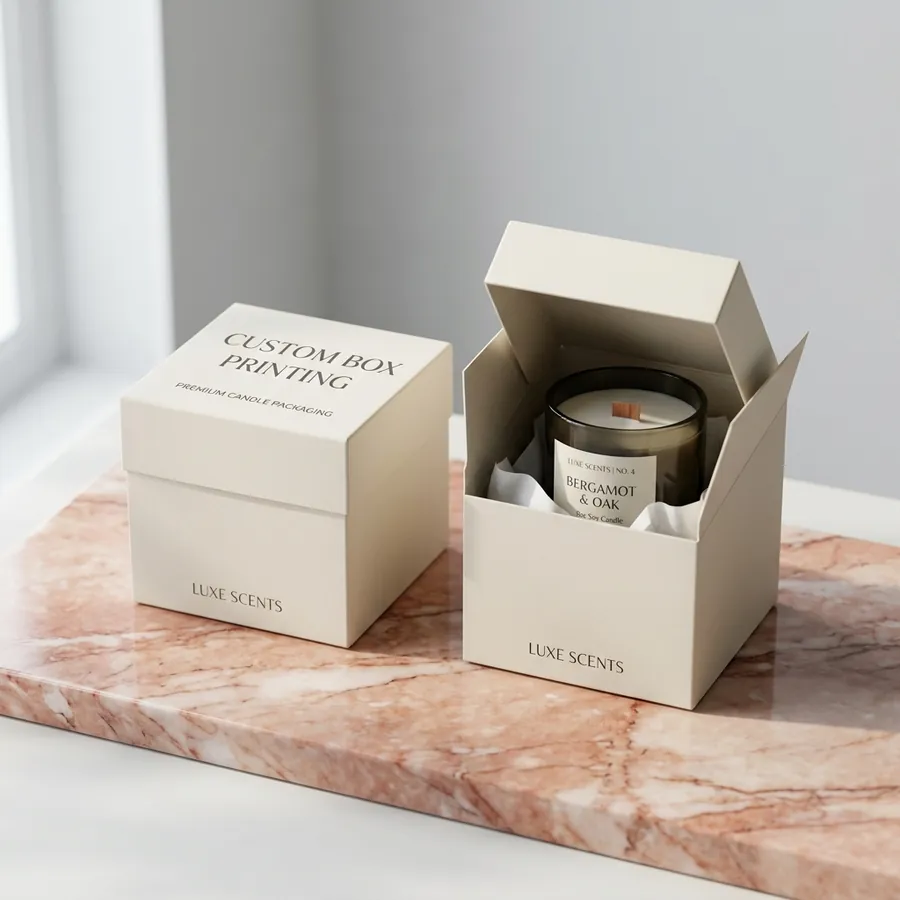
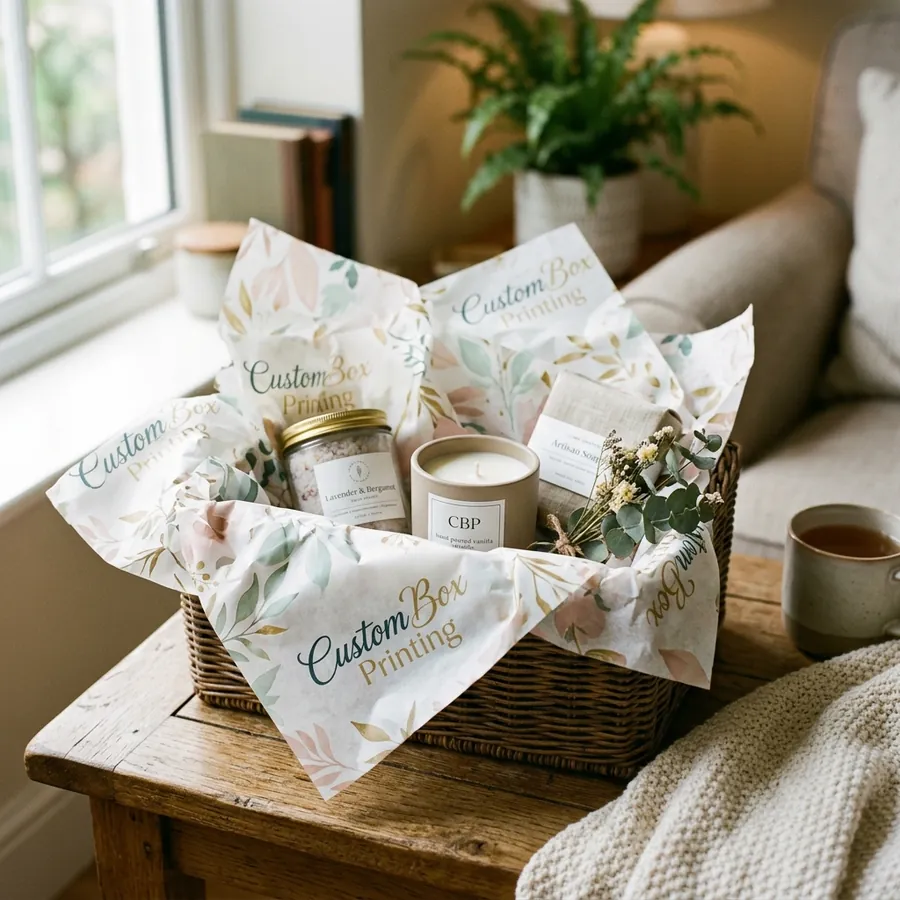
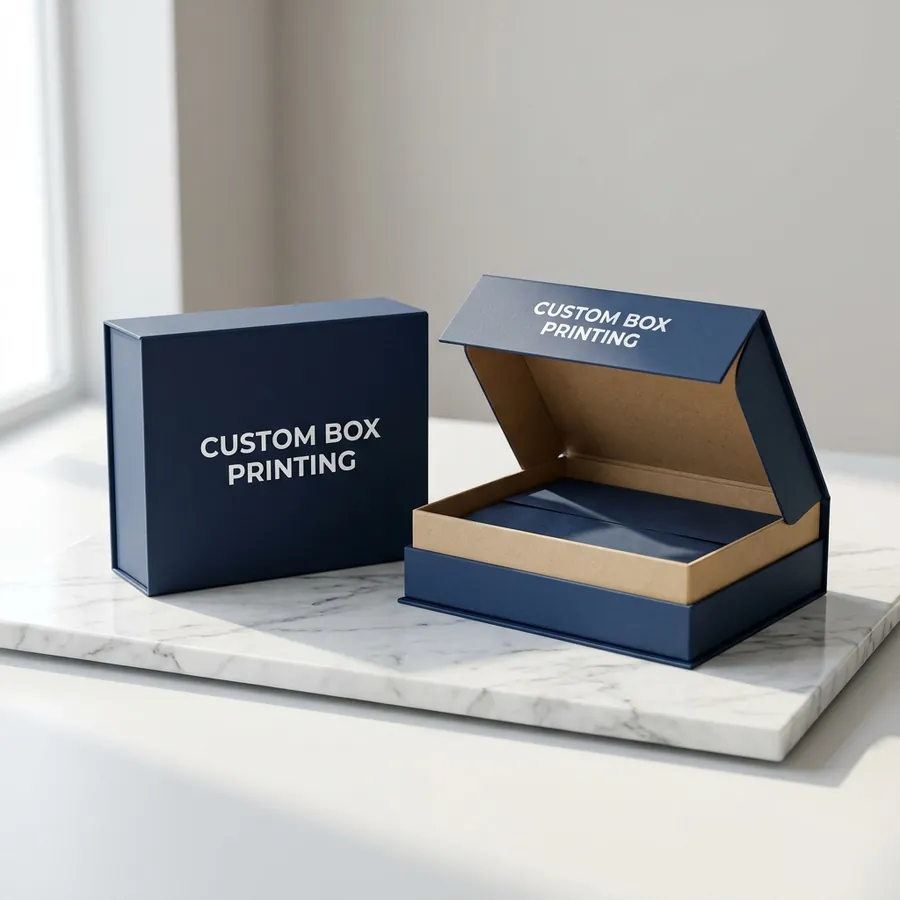
How to Design Custom Box Packaging: Artwork, Dielines & Print-Ready Files
Designing custom box artwork comes down to a few print fundamentals: build your design on the box's dieline, set up bleed and safe zones, work in CMYK at 300 DPI, and outline your fonts. Get those right and your box prints exactly as you intend. Here's the practical setup, plus the mistakes that most often delay a job — and how we'll handle all of it for you if you'd rather not.
Start with the dieline
A dieline is the flat blueprint of your box — every panel, fold, and glue tab mapped out. You design on the dieline so your artwork lands on the right panels when the box is assembled. Never guess panel positions; always design on the exact dieline for your size and style. We provide a free dieline built to your dimensions for every order.
Bleed and safe zones
- Bleed: extend any color or image that touches an edge about 1/8" past the trim line, so trimming never leaves a white sliver.
- Safe zone: keep important text and logos at least 1/8" inside the fold and trim lines, so nothing critical gets cut or buried in a crease.
Color: work in CMYK, not RGB
Screens display in RGB; presses print in CMYK. If you design in RGB, bright blues and greens can shift when converted for print. Build files in CMYK from the start, and for brand-critical colors specify a Pantone (PMS) code — we offer Pantone spot matching at no extra cost so your brand color is consistent across every run.
Resolution and images
Raster images (photos) should be 300 DPI at final size. A logo that looks crisp on a website (72 DPI) will look soft or pixelated when printed large. Best of all, supply your logo and key graphics as vector files (AI, EPS, or PDF) — vectors stay sharp at any size.
Fonts and file formats
- Outline your fonts (convert text to curves) or include the font files, so your type doesn't reflow on our system.
- Preferred files: print-ready PDF, AI, or EPS with the dieline on its own layer.
- Include the dieline layer set to "no print" so we can see fold/trim placement.
Common mistakes that delay printing
- Low-resolution logos pulled from a website.
- RGB files with colors that shift on press.
- Text too close to folds and trim (no safe zone).
- No bleed, leaving white edges after trimming.
- Missing fonts because they weren't outlined or supplied.
Don't have a designer? We've got it covered
You don't need print expertise to get a professional box. Send us your logo and any rough idea — even a sketch — and our US-based design team will build the dieline, set up bleed and safe zones, fix color for print, and send you a free 3D mockup to approve before anything runs. Prefer to explore first? The 3D box designer lets you visualize your custom box live. Request a free quote and we'll get your artwork press-ready at no extra cost.
Ordering custom boxes — common questions
What is the minimum order for custom boxes?
Runs start at 100 units for folding cartons (cosmetic, food, bakery, CBD, mailer), 50 units for rigid setup boxes, and 5,000 units for printed paper (deli, butcher, tissue, kraft, sandwich wrap). No die, plate, or setup fees at any quantity.
Do you ship custom boxes free in the US?
Yes — standard shipping is free anywhere in the contiguous United States on every order. Rush production (3–5 business days) and expedited shipping are available for an additional fee.
How long does a custom box order take?
Typical timeline is 1 business day for a quote, 1–2 days to approve a free 3D digital mockup, then 7–10 business days for production plus 2–5 business days for free US shipping. Rush production is available on request.
Can I see a sample before I commit to a full order?
Yes — free 3D digital mockup with every quote, and a physical sample on request (refunded on your first order) before you place a production run. You can also design and preview your box live in our free 3D box designer.
What artwork files do you need to start printing?
Print-ready PDF, AI, EPS, or PSD at 300 DPI in CMYK with 0.125" bleed is ideal. Don't have artwork? Our in-house design team builds your dieline and preps files at no cost — just send your logo and any brand references.
Do you charge setup, plate, or die-cutting fees?
No — there are no setup, plate, die, or tooling fees at any quantity. Custom dielines, artwork prep, 3D mockups, and physical samples are all included free with every order.